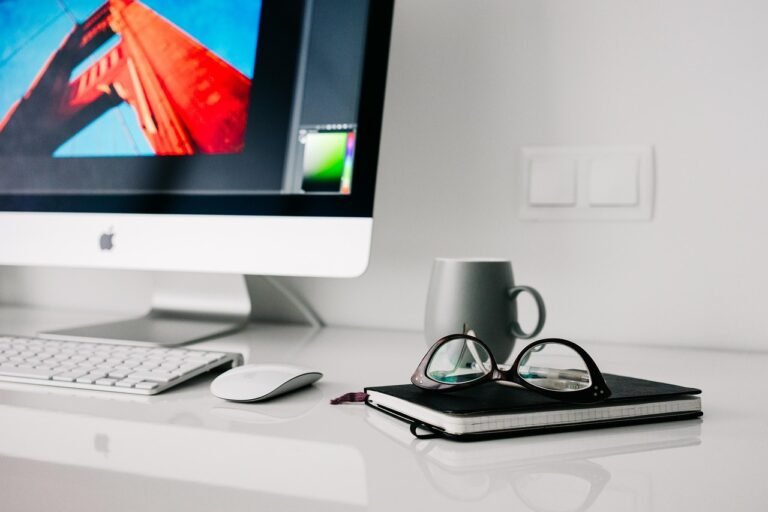
How a Well-Designed Workspace Boosts Your Daily Productivity
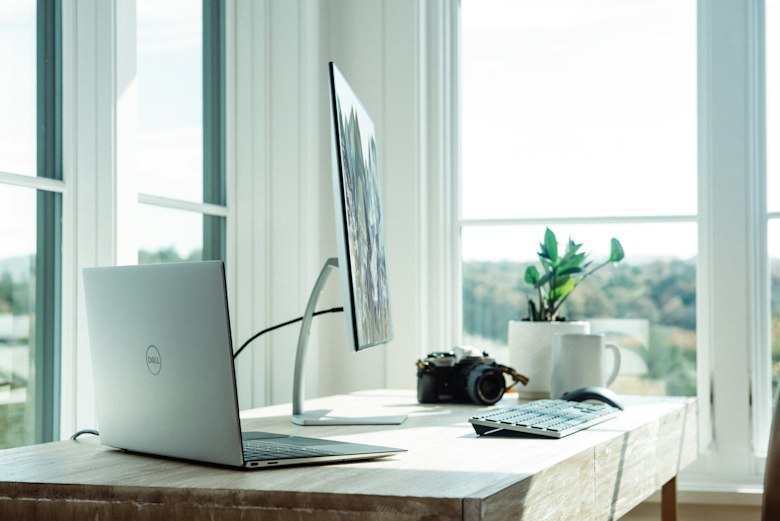
A well-designed workspace can make or break your productivity. Whether you're working from home or in an office, your environment directly shapes your focus, energy, and output. A cluttered or uncomfortable setup drains your mental clarity — while an optimized space helps you accomplish more in less time.
The good news is that building a well-designed workspace doesn't require a big budget or a full renovation. With a few intentional changes, you can transform any corner into a high-performance environment. Here are 6 proven tips to get you there.
Tip 01
1. Declutter Your Well-Designed Workspace
A clean, organized desk reduces distractions and clears your mind. Minimalism helps your brain focus on what matters — and it starts with removing everything that doesn't serve your work.
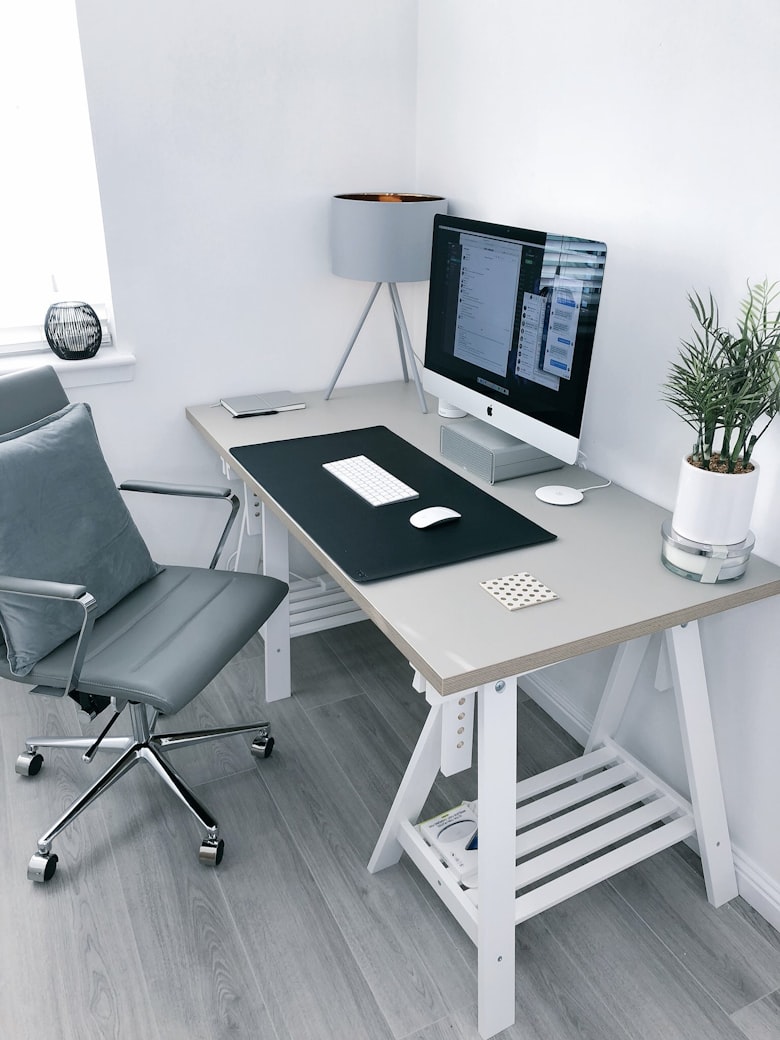
Keeping only essentials on your desk is the first step toward a truly productive workspace.
Keep only essential items on your desk and use storage solutions for everything else:
- Use drawer organizers for cables, stationery, and small items
- Go paperless where possible to reduce surface clutter
- Do a 2-minute desk reset at the end of every workday
- Store items you use less than once a week out of sight
Tip 02
2. Choose the Right Lighting for Focus
Lighting plays a crucial role in maintaining energy and focus throughout the day. Natural light is best — it regulates your circadian rhythm, reduces eye strain, and improves mood and mental clarity.
Positioning your desk near a window is one of the easiest upgrades you can make to your home office.
If natural light isn't available, here's what to look for:
- Use warm white bulbs (3000K–4000K) to reduce eye fatigue
- Position your light source to the side — never directly behind your screen
- Add a desk lamp for focused task lighting in the evenings
- Avoid harsh overhead fluorescent lighting if possible
| Lighting Type | Best For | Effect on Focus |
|---|---|---|
| ☀ Natural Light | All-day work sessions | Best — boosts mood and energy |
| 💡 Warm White (3000K) | Evening or low-light rooms | Good — reduces eye strain |
| 💡 Cool White (5000K+) | Short focused sprints | Moderate — can cause fatigue |
| 🔴 Harsh Fluorescent | Avoid if possible | Poor — increases headaches |
Tip 03
3. Why Ergonomics Matter for Comfort
Comfortable chairs, proper desk height, and correct screen positioning are essential for any productive setup. Poor ergonomics leads to back pain, neck strain, and fatigue — all of which destroy your ability to focus.

An ergonomic setup lets you work longer without discomfort — your body and output will both thank you.
Quick Ergonomics Checklist
- Chair height: feet flat on the floor, knees at 90°
- Monitor: top of screen at or just below eye level
- Screen distance: arm's length away (50–70 cm)
- Keyboard and mouse: elbows at 90°, wrists neutral
- Consider a standing desk for variety throughout the day
For a full ergonomics guide backed by medical research, see Mayo Clinic's office ergonomics guide.
💡 Pro Tip
A standing desk or a simple desk riser lets you alternate between sitting and standing — reducing fatigue and keeping your energy levels higher throughout the day.
Tip 04
4. Personalize Your Space Thoughtfully
Adding a few personal touches can make your workspace enjoyable without becoming distracting. The key word is thoughtfully — every item should add calm or inspiration, not visual noise.

A plant, a photo, or a motivational quote — small personal touches make a big difference in how you feel at your desk.
Great personalization ideas that won't distract you:
- A small indoor plant — improves air quality and reduces stress
- One or two meaningful photos in simple frames
- A motivational quote printed and pinned at eye level
- A scented candle or diffuser for a calming atmosphere
🌿 Plant Power
Indoor plants are a staple of a well-designed workspace because they improve air quality, reduce anxiety, and add a natural element that makes long work sessions feel less draining.
Tip 05
5. Minimize Digital Distractions
Your physical space can be perfectly organized, but if your digital environment is chaotic, your focus will still suffer. A focused digital environment complements your physical workspace.

Turning off notifications is one of the fastest ways to reclaim your focus and protect your deep work time.
Build these digital habits into your daily routine:
- Turn off all non-essential notifications during work blocks
- Close unused browser tabs before starting a task
- Use website blockers like Freedom or Cold Turkey
- Enable Do Not Disturb mode on your phone and computer
- Use a Pomodoro timer app to structure focused work sessions
Tip 06
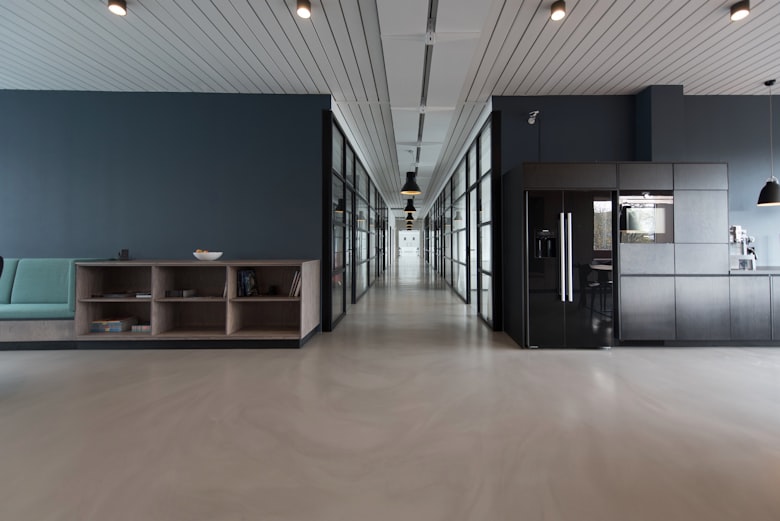
6. Create Dedicated Work Zones
If your space allows it, designating areas for specific activities is one of the most powerful things you can do. Your brain associates each area with a purpose — and that association builds focus automatically over time.
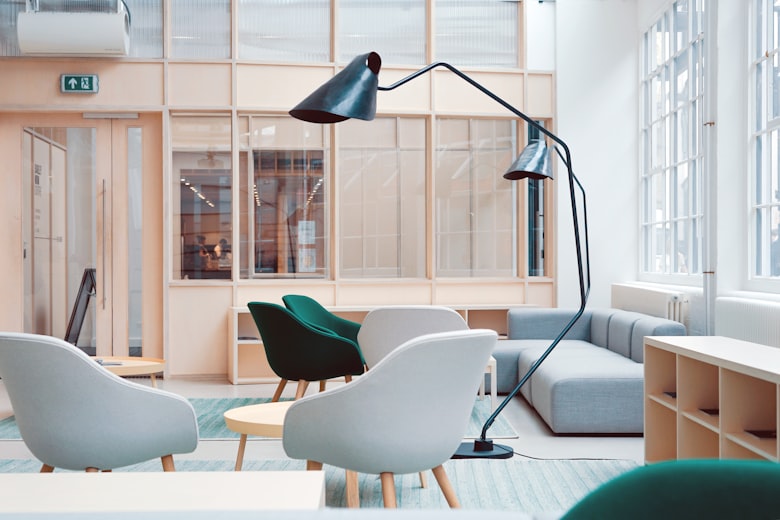
Even in a small space, you can create distinct zones that train your brain to shift into the right mode.
Here's how to zone even a small space:
- One spot for deep, focused work — no phone, no interruptions
- A separate area for calls, meetings, or collaborative work
- A reading or planning corner away from your main screen
- A clear "off" zone — a chair or couch that is never used for work
💡 Pro Tip
Even in a studio apartment, a simple change like facing a different direction or using a room divider can create a psychological boundary between your work zone and your rest zone.
Your Well-Designed Workspace Starts Today
A well-designed workspace